





Keyswitch & Expression Map is a Max for Live device for Ableton Live that helps composers manage VST instrument articulations and expression parameters through keyswitches and MIDI CCs, all in a single clear interface.
Designed for film and game scoring, orchestration, and complex sample-library setups.
Six years ago, KSEM started with a simple idea: making orchestral composition in Ableton Live feel as natural and intuitive as possible. No memorizing keyswitches, no endless scrolling through tracks, no interruptions to your creative flow.
Today, it has become a daily companion for more than 1000 musicians and composers worldwide, helping them work faster, stay organized, and focus on what really matters — making music.
With Version 5, KSEM takes the next step forward, introducing powerful new workflow features and refinements inspired by years of feedback from the community.
Originally released by swub, KSEM now continues under the Interfacette name.
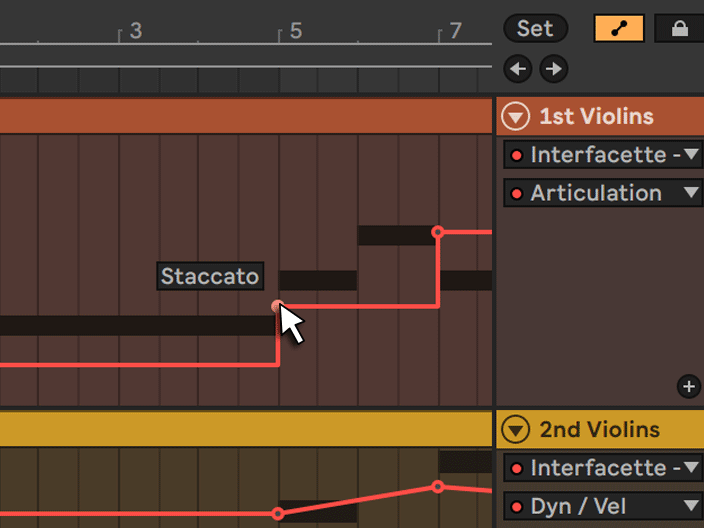
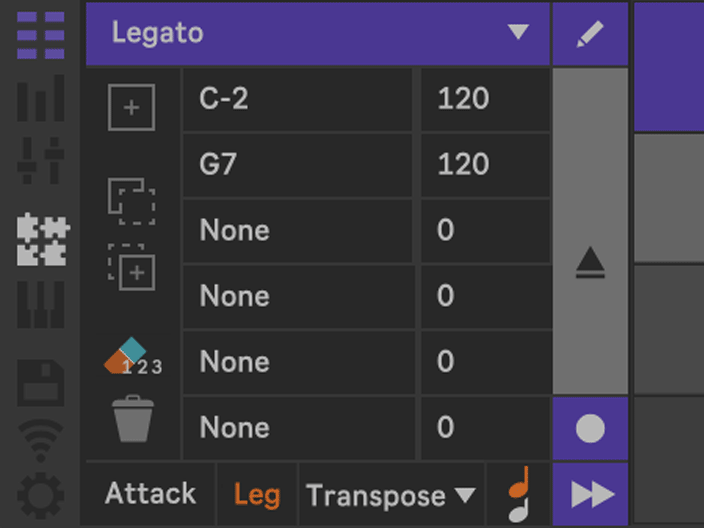
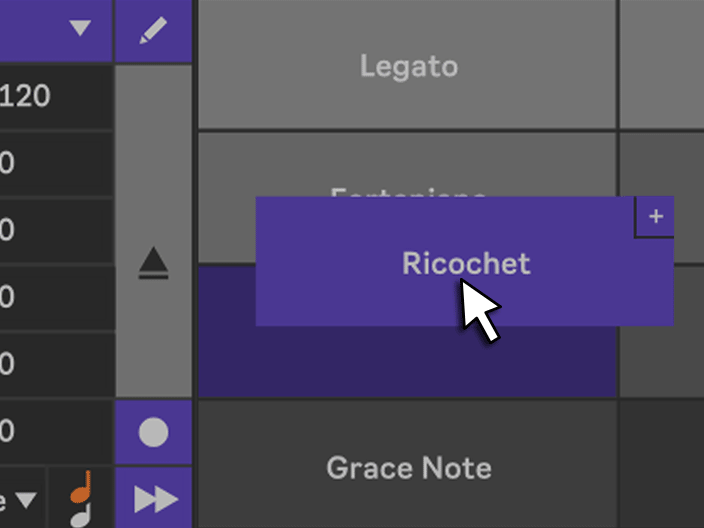
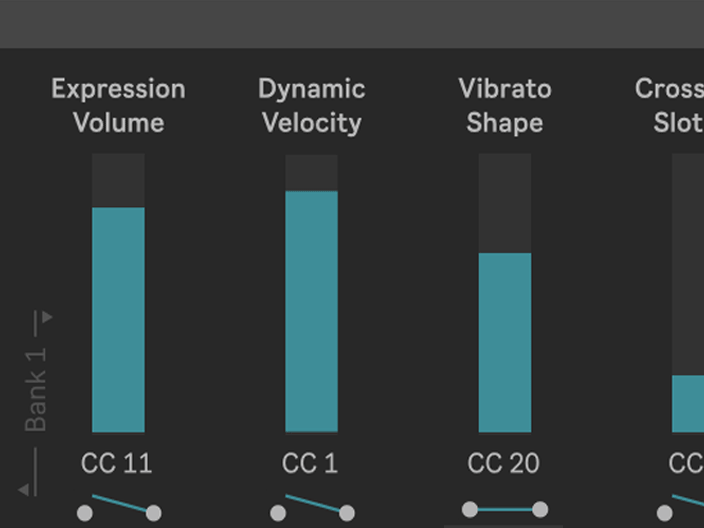
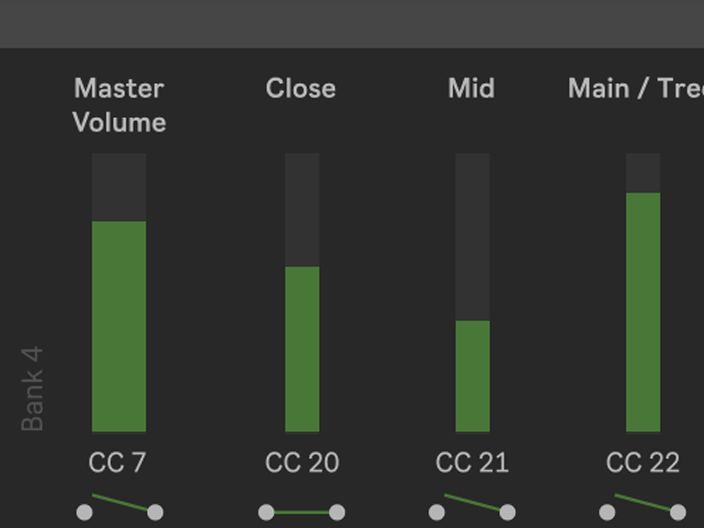
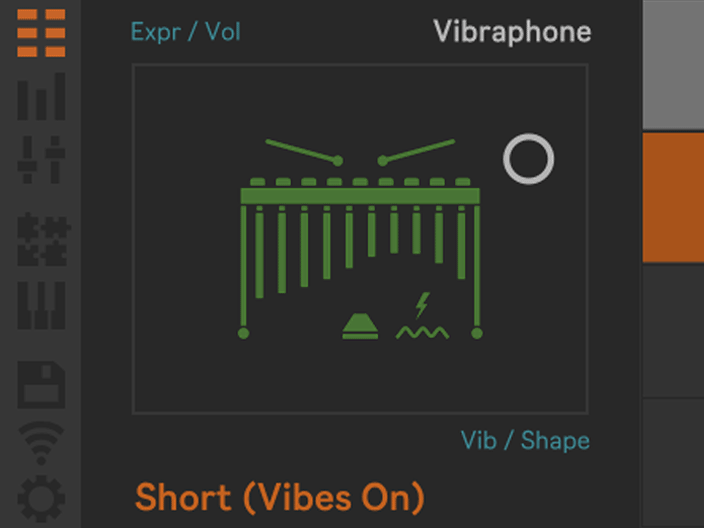
Control your VST instruments remotely with 23 sliders for Expression, Vibrato, Attack, Legato, Repetition, Tuning, and more. Clearly named labels make automation easy to find and edit in the Arrangement View. Three Live Banks support Instant Mapping for controllers such as Ableton Push. Integrated gates prevent cross-talk with preceding MIDI clips.
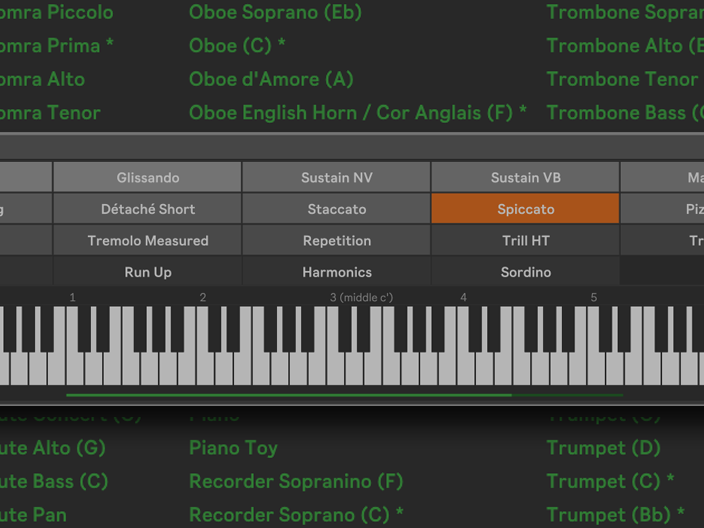
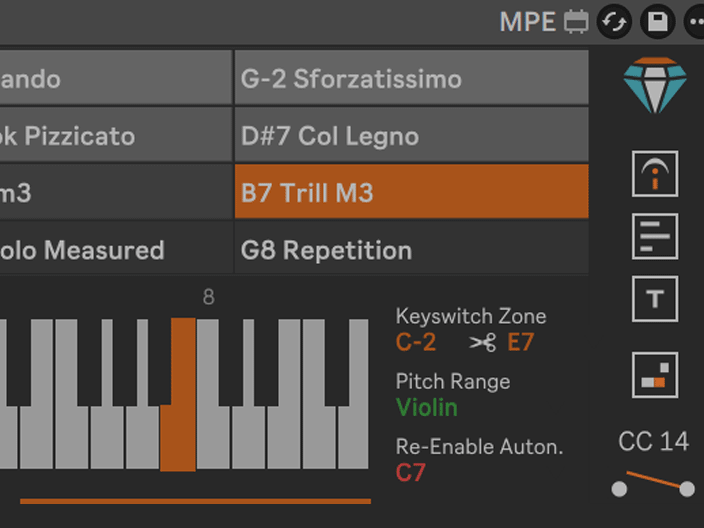
All versions offer the same professional feature set without limitations.
They differ only in the number of articulation slots, allowing you to choose the workflow size that best fits your orchestral templates and VST libraries.



Examples:
BBCSO Discover (Spitfire),
Session Strings (NI),
Examples:
BBCSO Core & Pro (Spitfire),
Hollywood Orchestra (EastWest),
Cinematic Studio Strings (CSS)
Examples:
Studio Solo Strings (VSL),
Berlin Strings (Orchestral Tools),
Chamber Strings (Spitfire)
Requirements:
KSEM requires Max for Live, which is included with Ableton Live Suite.
Live Standard users need a separate Max for Live licence. Live Lite and Intro are not supported.
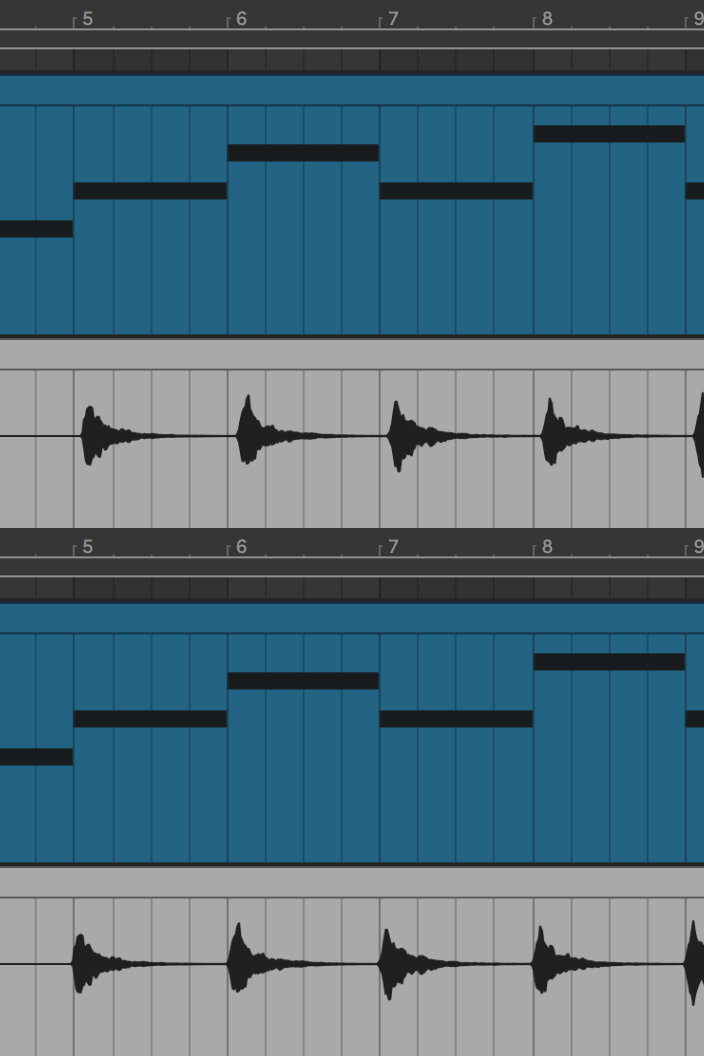
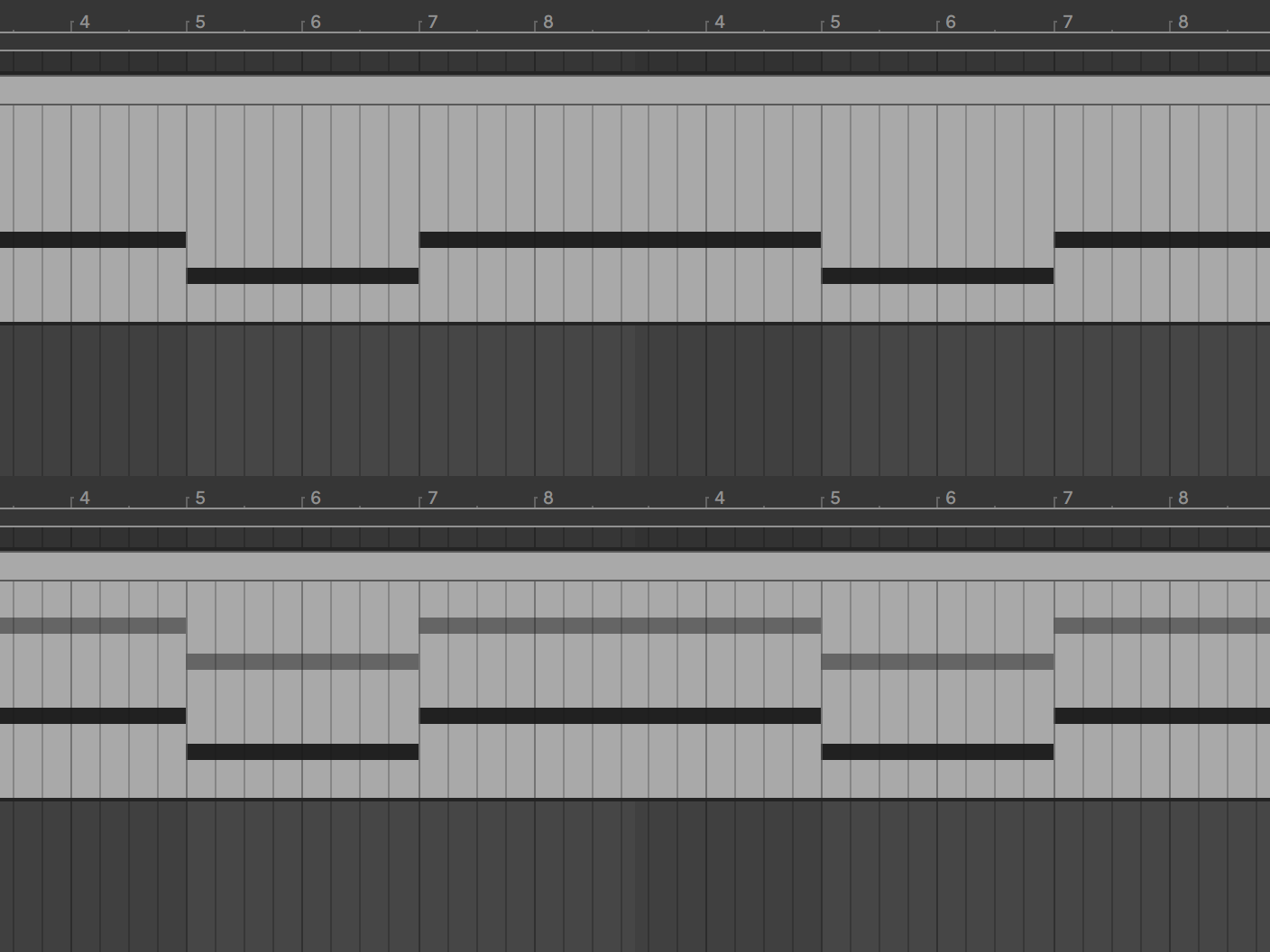
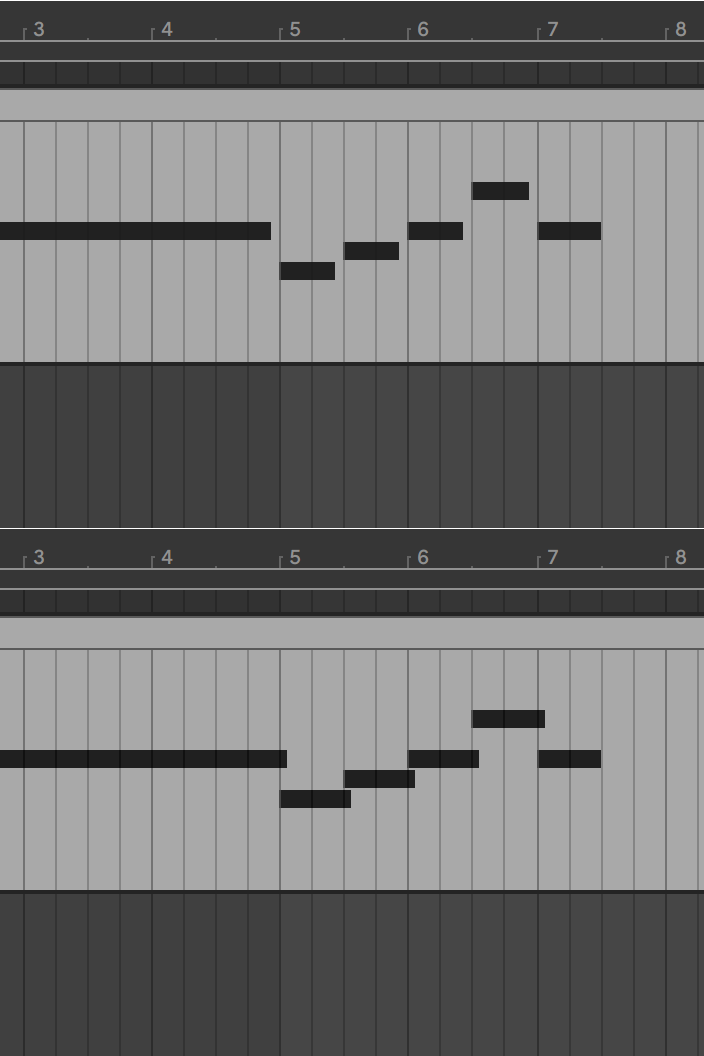
Having fewer steps when editing automation envelope breakpoints in Ableton Live is certainly more convenient. On the other hand, having all articulations of a library instantly available can also be very tempting — after all, you can simply increase the track height or hold the Shift key to draw smaller automation steps with the mouse.
Compatible with all VSTs that support articulation control via MIDI notes, CCs, or program changes. For example ...
A lot of passion and time has gone into this project over the years. Your lovely feedback has been a huge motivation and helped shape KSEM Version 5.0.



Users Worldwide
“ Hi there! Very cool add-on! Thanks a lot! Keep up the good work, this thing can really change the perception of Ableton as EDM-only DAW. ”
“ Just wanted to thank you for creating this tool. It’s incredibly useful, and I’ve spent all day today mapping all my favorite libraries – and it’s been a great day! As a film/tv composer I’ve almost completely moved my scoring work to Logic, but I still like to do short form work in Ableton and this makes it so much more efficient and enjoyable. Thanks for sharing this with the world! ”
“ Your plug-in is useful! It’s very useful, so I’ve translated the manual into Japanese. Click here. ”
“ I have recently started directing my musical passions towards ochestral but had the issue that I have been using Ableton almost 20 years and that I am an extremely loyal and pureist Ableton user. So it seems Logic and Cubase were better for orchestration but this changes EVERYTHING. I am sooo happy to find this you have no idea. Seriously this is the most awesome thing ever. ”
Navigate with the puzzle icon to the Articulation Editor.

Click the plus button to create a new articulation, or simply press '+' on your keyboard. Enter a name and click OK. All articulations are stored in the Editor Menu.
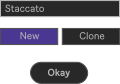
Define a keyswitch, CC, program change, or chain value. For most libraries, a single parameter is sufficient. However, up to six parameters can be defined if required (e.g. Synchron Player). Use the Tab, Up, and Down keys to navigate between fields. Press Enter when you are ready.

Load the articulation into a slot of the Articulation Pad. Close the editor and start making music!
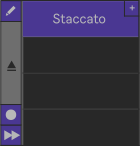
In most cases, the Quick Start Guide above is all you need to get started.
However, some VST libraries have special requirements. For example, certain libraries require keyswitches to remain held while playing notes. KSEM supports these and many other library-specific workflows, all of which can be configured in the Settings.
The Online Manual provides detailed explanations of every feature and option.
As an alternative, all descriptions are also available directly inside Ableton in the Info View when you hover over an interface element.
KSEM works with Ableton Live 11 and 12.
As a Max for Live device, KSEM requires Max for Live, which is included with Ableton Live Suite.
Live Standard users need a separate Max for Live licence. Live Lite and Intro are not supported.
Please find more information here:
KSEM works out of the box with Kontakt, SINE Player, VSL Synchron Player, Vienna Instruments Player, EastWest Opus or Play, Spitfire instruments, and other players that let you control articulations via MIDI notes, CCs and Program Changes.
You can also control Ableton’s ready-made Multi-Articulation Rack packs, such as the ProjectSAM Orchestral Ensemble Essentials Pack, by mapping and controlling the Rack Chain.
No installation is required. KSEM works like any other Ableton Live device — simply drag it into a track and start composing. However, you do need a Max for Live license. Please see the first question about Ableton Live compatibility.
Yes. KSEM works on both Windows and macOS.
KSEM itself adds no latency. However, when automating articulations with envelopes, small delays can optionally be defined in the settings to support Ableton’s Chase MIDI Notes function or slower-reacting hardware. These delays are automatically compensated by Ableton’s Delay Compensation, just like with other Ableton devices.
Example: If your synthesizer needs a moment to switch presets, KSEM can send the CC or Program Change a few milliseconds in advance so the device is ready to play the notes correctly at the moment of playback.
KSEM has virtually no impact on your computer’s CPU and can therefore be used on almost any system without special hardware requirements.
RAM usage is approximately 90 MB per instance. For comparison, Kontakt Player typically uses around 100 MB per instance.
If your system has limited RAM and you plan to use many KSEM instances in a large orchestral template, a Slim Version is included with all downloads. It reduces RAM usage to approximately 70 MB per instance while focusing on expression mapping for articulations and retaining all essential functionality. Instead of the full CC slider section, it provides only two CCs controlled via the XY Pad or automated in the Arrangement View.
Depending on your country, payments can be made via Visa, Mastercard, American Express, PayPal, GiroPay, Bancontact, Sofort, iDEAL, Alipay, or Apple Pay.
Once your payment has been received, you will automatically receive an invoice and download link by email — usually within a few minutes.